Slow on older sticks
Millions of people still watch on 1 GB Fire Sticks and 2017–2021 Fire TV smart TVs. Heavy apps take seconds to open and stutter in menus.
FIRE TV APP STUDIO
Beacon Frontier builds and rebuilds streaming apps for Amazon Fire TV: smooth on a 2016 Fire Stick, sharp on a 4K Max, and ready for Vega OS.
THE PROBLEM
Most streaming apps are a phone app squeezed onto a TV. On Fire TV that shows up fast.
Millions of people still watch on 1 GB Fire Sticks and 2017–2021 Fire TV smart TVs. Heavy apps take seconds to open and stutter in menus.
Amazon's newest Fire TV devices run Vega OS, which doesn't run Android apps. Without a Vega build, your app isn't on them at all.
Menus where the remote's highlight disappears or gets stuck. Every screen should work with five buttons.
Phone-sized text and edge-to-edge layouts that TVs crop.
Sign-in should be a short code or a QR scan on your phone, not 30 clicks on an on-screen keyboard.
OUR WORK
Each is about a 1.3 MB download and runs on Fire OS 5 and newer. They aren't in the Amazon Appstore yet, so you install them with the Downloader app.
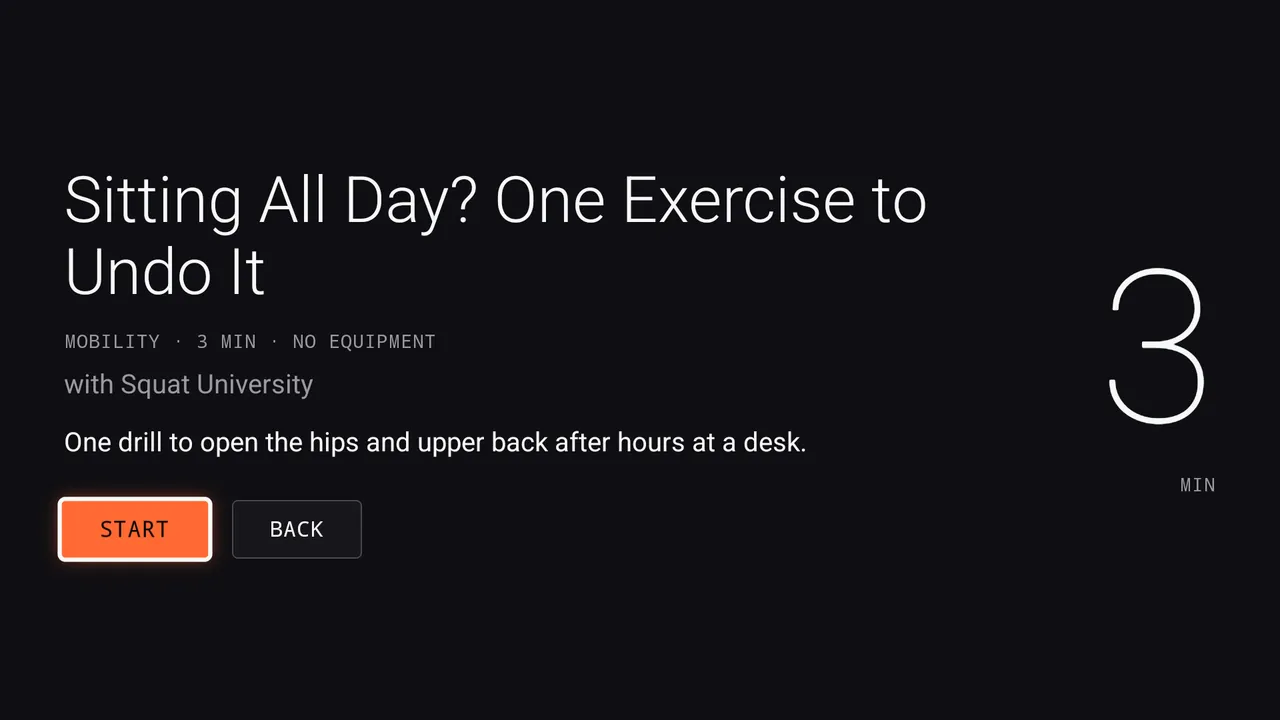
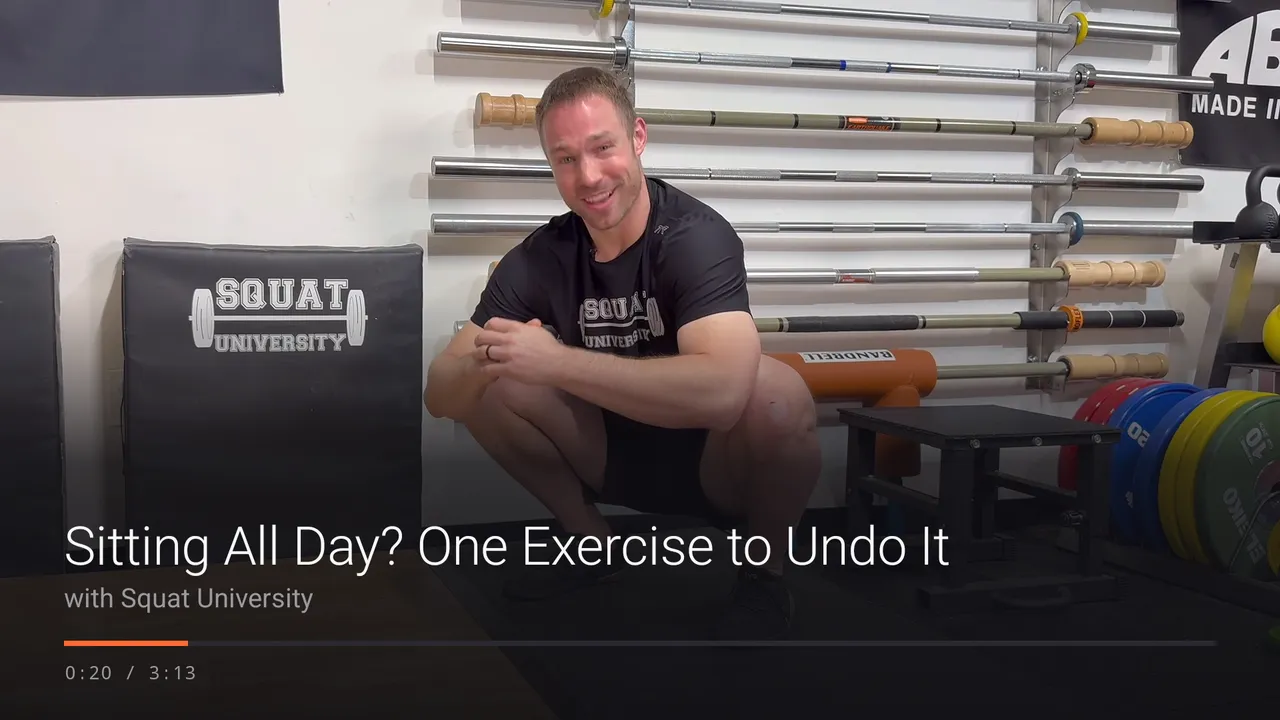
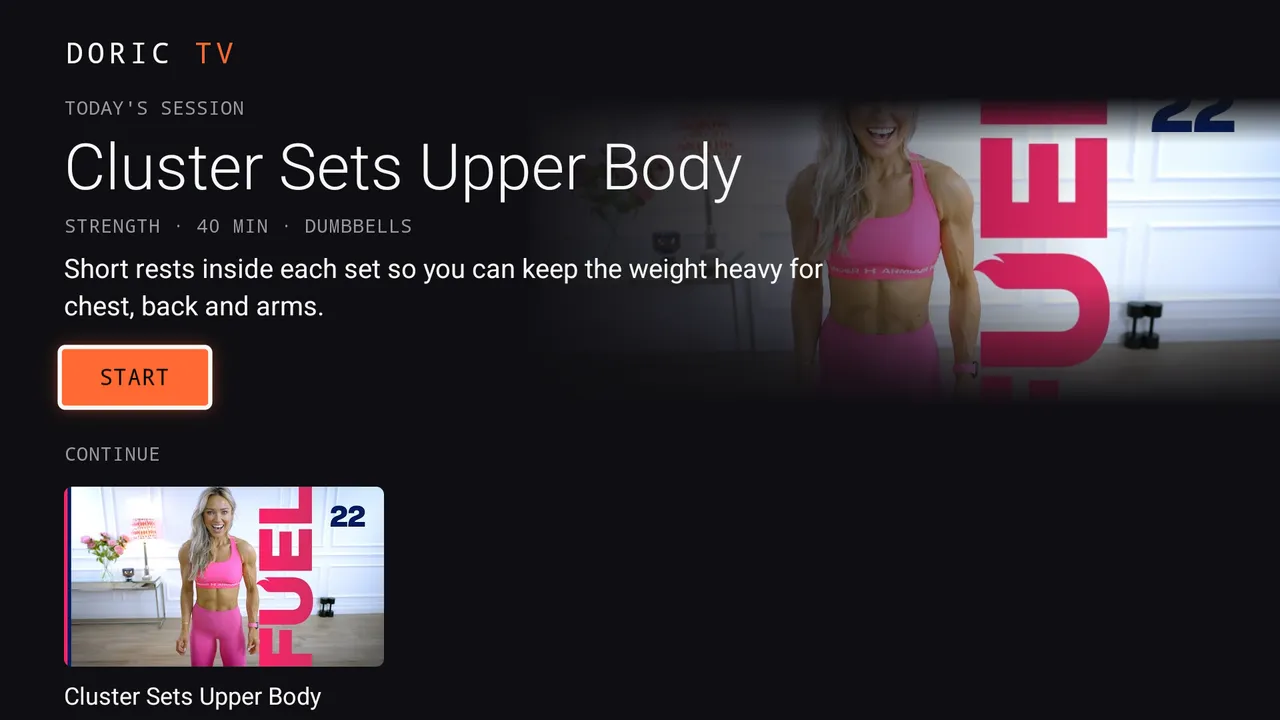
Workout videos with the look of the Doric gym tracker.
On your Fire TV: Settings › My Fire TV › Developer options › allow apps from unknown sources for the Downloader app. Open Downloader and enter fire.beaconfrontier.com/apk/doric-tv.apk.
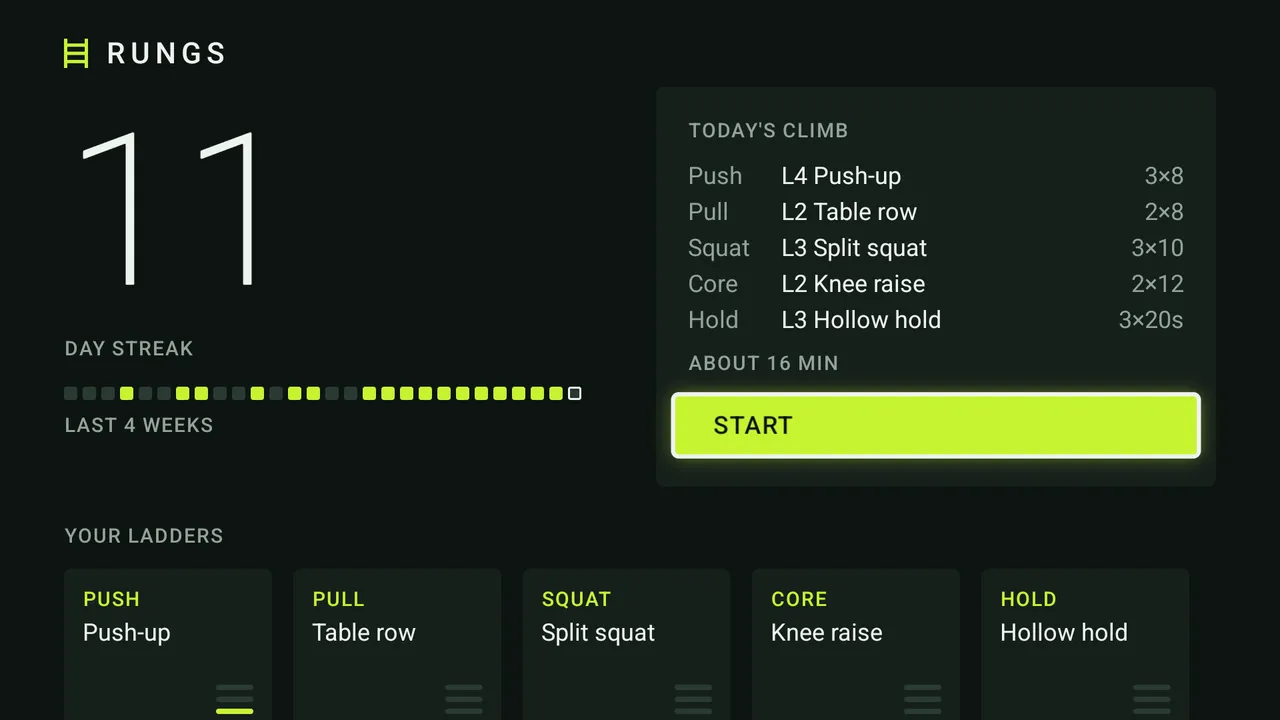
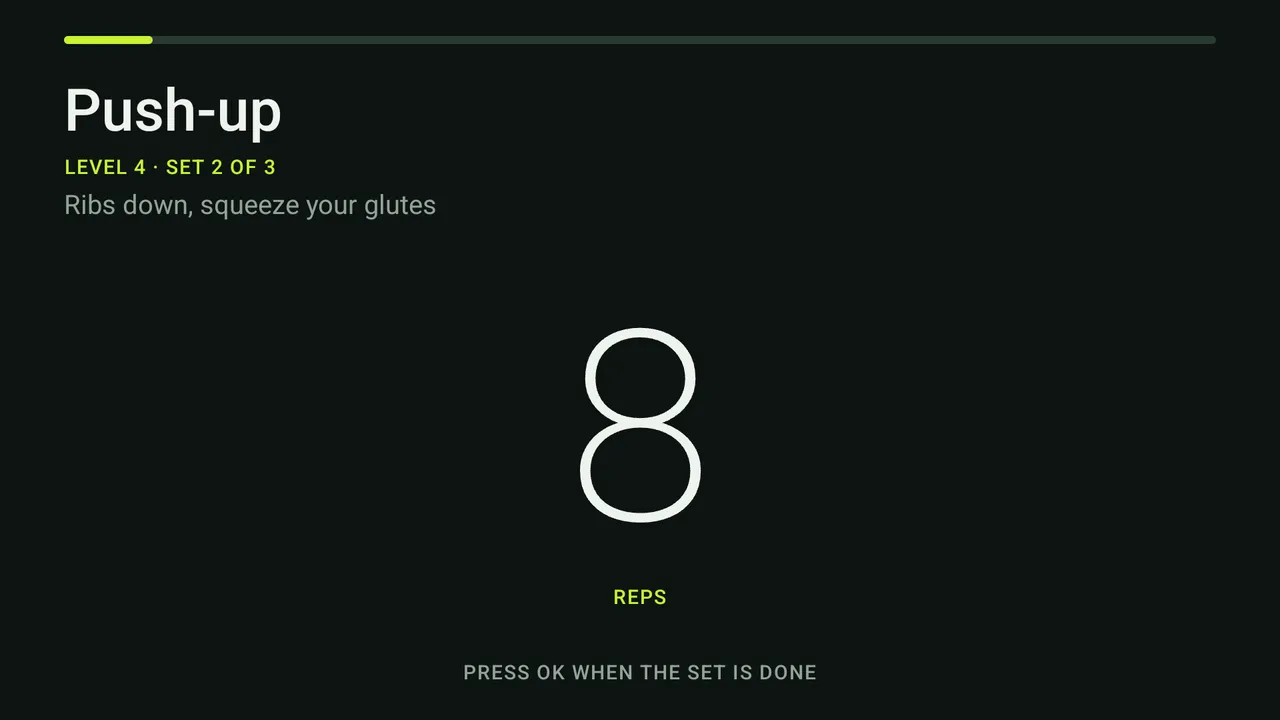
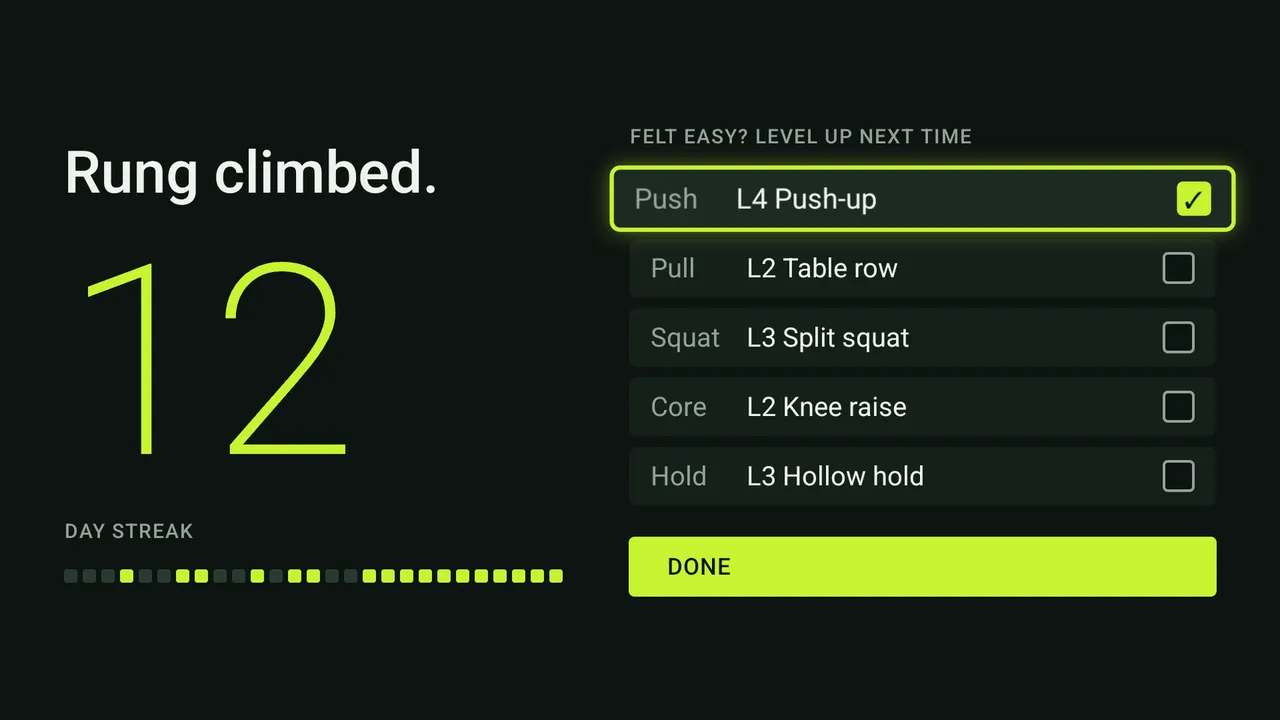
A daily calisthenics habit, one rung at a time.
On your Fire TV: Settings › My Fire TV › Developer options › allow apps from unknown sources for the Downloader app. Open Downloader and enter fire.beaconfrontier.com/apk/rungs.apk.
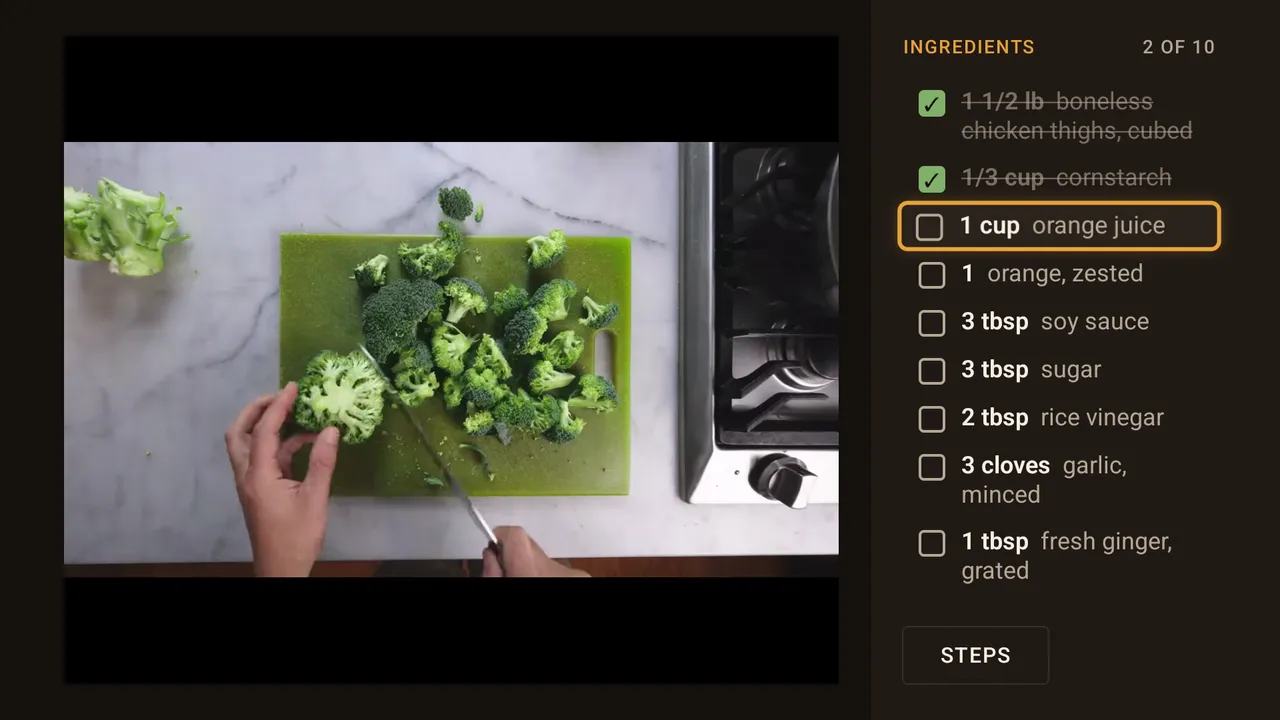
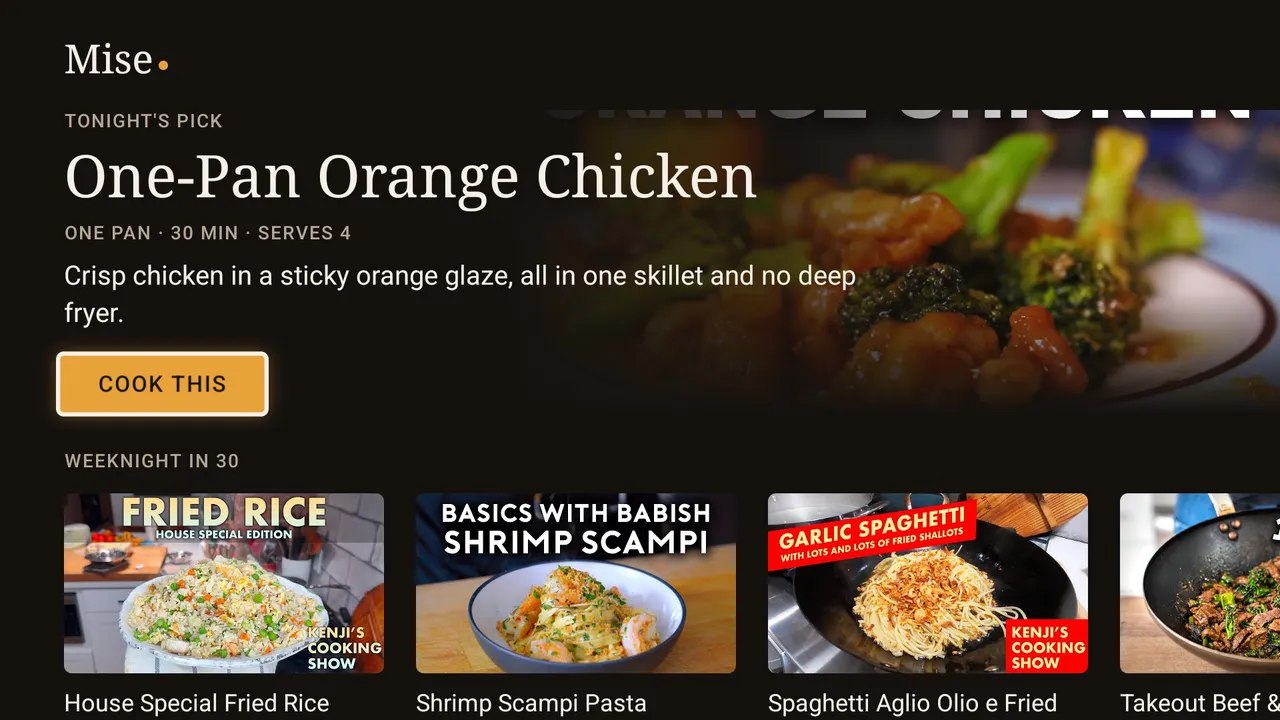
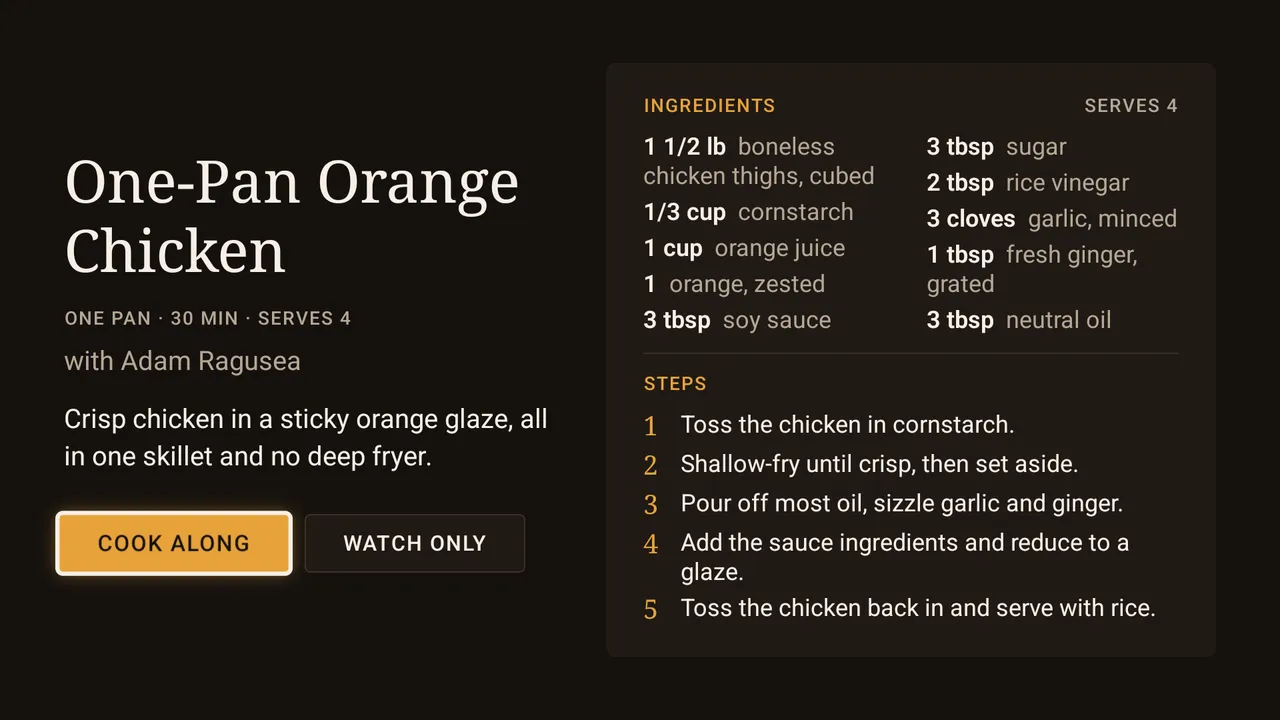
Cook along with the video and tick off ingredients with your remote.
On your Fire TV: Settings › My Fire TV › Developer options › allow apps from unknown sources for the Downloader app. Open Downloader and enter fire.beaconfrontier.com/apk/mise.apk.
Video in Doric TV, Rungs and Mise plays through YouTube's official player. All rights to the videos belong to their creators.
VEGA OS
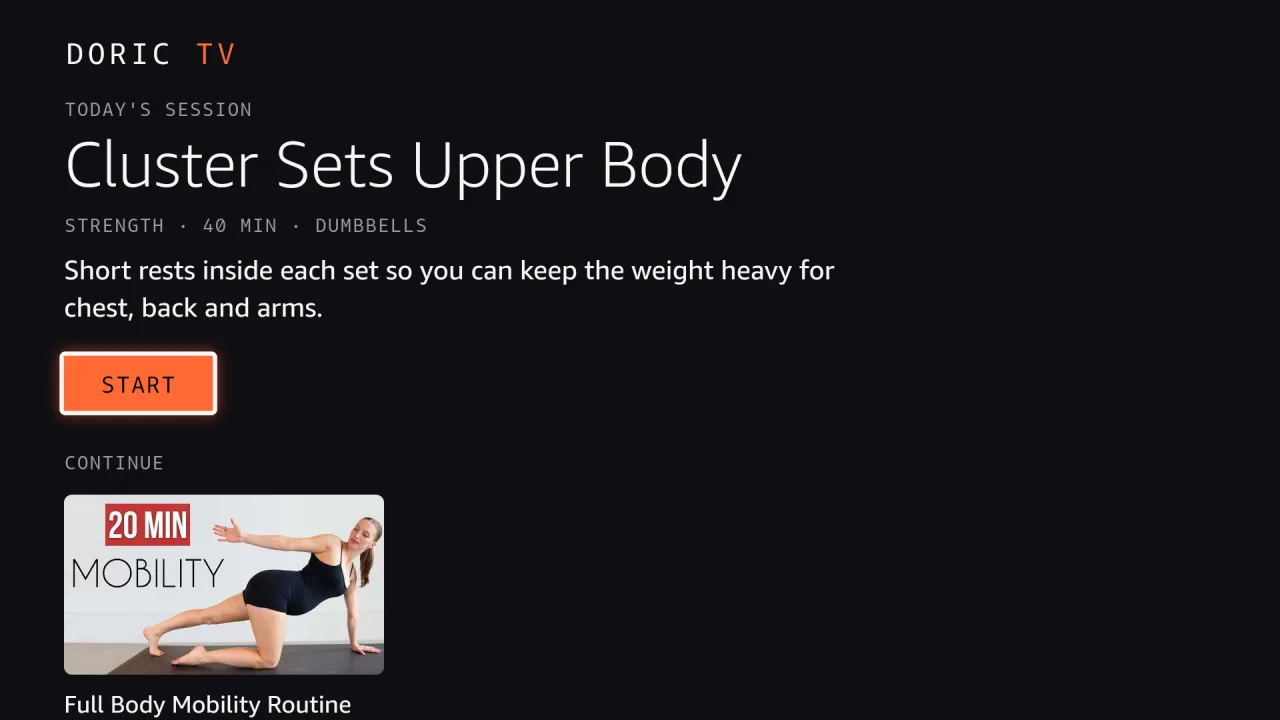
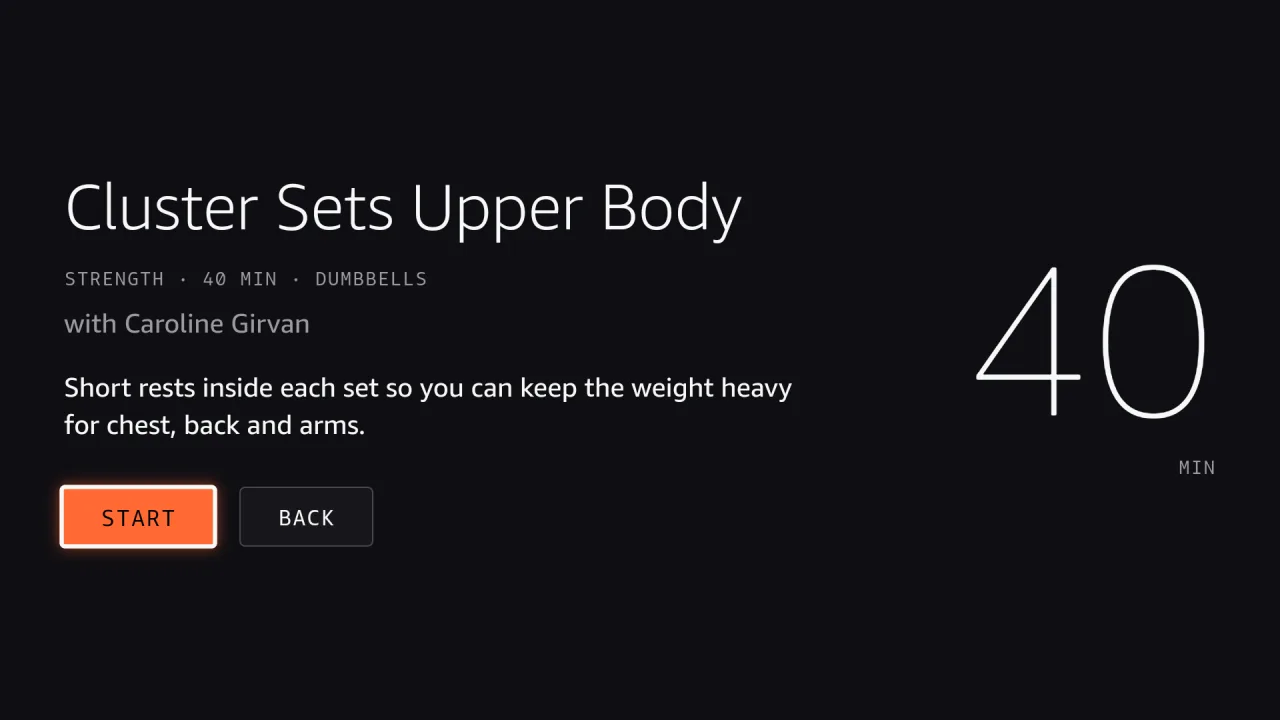
We rebuilt Doric TV with Amazon's Vega SDK, the same way we'd port your app. It reads the same catalog as the Fire OS version and keeps its look, remote focus and watch history. These screens are from Amazon's Vega Virtual Device.
PROCESS
We test your app on old and new Fire TV hardware and measure startup, memory and every focus path.
A written scope, screen by screen, with a fixed price.
Native Fire OS apps tuned for the remote, plus a Vega OS build when you want it.
We handle Amazon Appstore submission and keep you current with every Fire OS release.
PRICING
$2,500 flat price
Find out exactly why your app is slow or hard to use on Fire TV.
1 week
Book an audit$18,000 starting at
A native Fire OS app built from your existing catalog and API.
Usually 6 to 10 weeks
Talk about your app$12,000 starting at
Bring your Fire TV app to Amazon's newest Vega OS devices.
Usually 4 to 8 weeks
Plan a Vega buildFire TV Care · $900 per month — Fire OS and Vega OS updates, Appstore releases, crash watch and a device check every release.
Already have an Android TV app? The audit tells you how much of it we can reuse.
FAQ
Fire TV is our focus for TV. We also build iPhone, Android and web apps at beaconfrontier.com.
Yes. We reuse your API, catalog and player logic and rebuild the screens for the remote.
Amazon's newer operating system for some Fire TV devices. It runs apps built with Amazon's Vega SDK instead of Android apps, so it needs its own build.
Every audit and build is tested in Amazon's emulators across Fire OS versions, in Amazon's Vega Virtual Device for Vega builds, and on real Fire TV hardware before release.
You do, from the first commit.